

Learning how to pay mass excise tax online doesn’t have to be complicated—Massachusetts offers straightforward digital options that save you time and reduce paperwork headaches. Whether you’re a vehicle owner, business operator, or individual with excise tax obligations, this guide walks you through every step of the process, from registration to payment confirmation.
Table of Contents
What Is Massachusetts Excise Tax?
Massachusetts excise tax is a state-level tax imposed on specific goods and activities. Unlike sales tax, which applies broadly to most retail purchases, excise taxes target particular items deemed less essential or socially taxable. The most common form affects vehicle owners, but Massachusetts also levies excise taxes on fuel, alcohol, tobacco, and certain other products.
The vehicle excise tax specifically is calculated based on your car’s assessed value and applies annually. This isn’t a one-time fee—it recurs every year you own a registered vehicle in Massachusetts. Understanding this distinction matters because it affects your budgeting and payment planning throughout the year.
Who Pays Massachusetts Excise Tax?
If you own or lease a vehicle registered in Massachusetts, you’re subject to excise tax. The tax bill typically arrives in your mailbox from your local assessor’s office. Business owners selling taxable goods (fuel, alcohol, tobacco) also owe excise taxes on those transactions.
Even if you recently moved to Massachusetts or purchased a vehicle, you’ll receive a bill. The assessor calculates the tax based on the vehicle’s valuation as of January 1st of each year. Renters and those without vehicles don’t pay this particular excise tax, but they may still encounter excise taxes on purchases of taxable items.
Online Payment Methods Available
Massachusetts offers several convenient digital channels to pay mass excise tax online. The state’s official payment portal accepts multiple methods, making it accessible regardless of your banking setup.
Credit and Debit Cards: Visa, Mastercard, American Express, and Discover are accepted through the state portal. Be aware that convenience fees apply—typically 2.5% of your payment amount. While this adds cost, many people find it worth the fee for the immediate processing and record-keeping.
ACH Bank Transfers: Direct bank transfers (ACH) offer a lower-cost option, often with minimal or no fees. This method takes 1-3 business days to process but provides substantial savings compared to card payments.

E-Check: Electronic checks function similarly to paper checks but process digitally. They’re useful if you prefer check-based payments without the mail delay.
Municipal Payment Systems: Many Massachusetts towns operate their own online portals for local excise tax payments. Check your town assessor’s website—they may offer direct payment options that bypass the state system entirely.
Step-by-Step Payment Process
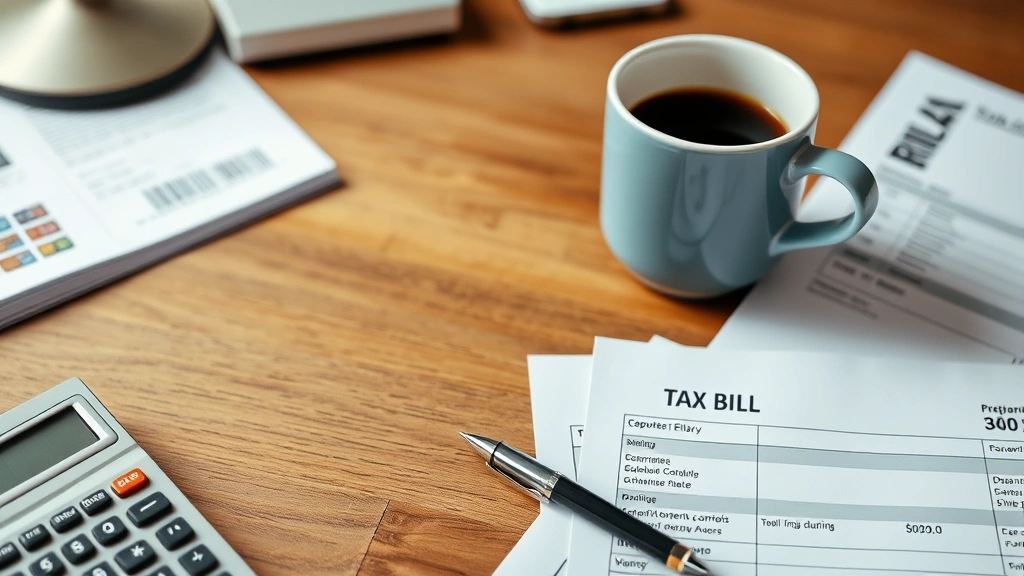
Step 1: Locate Your Excise Tax Bill Your assessor’s office mails bills annually, typically between January and April. If you’ve misplaced yours, contact your local assessor or check your town’s website—many municipalities post bills online. You’ll need your account number or vehicle identification information to access it.
Step 2: Visit the Official Payment Portal Head to your town’s assessor website or the Massachusetts Department of Revenue’s payment portal. Bookmark this page for future reference, as you’ll return here annually.
Step 3: Enter Your Information Provide your account number, property address, or vehicle details as requested. The system will retrieve your bill and display the amount due. Double-check the amount—errors are rare but worth confirming.
Step 4: Select Your Payment Method Choose between credit card, debit card, ACH transfer, or e-check. Consider the fees and processing time for each option. ACH transfers cost less but take longer; cards process immediately but incur higher fees.
Step 5: Complete Payment Details Enter your payment information securely. The portal uses encryption to protect your financial data. Review all details before submitting—you can’t undo a payment once processed.
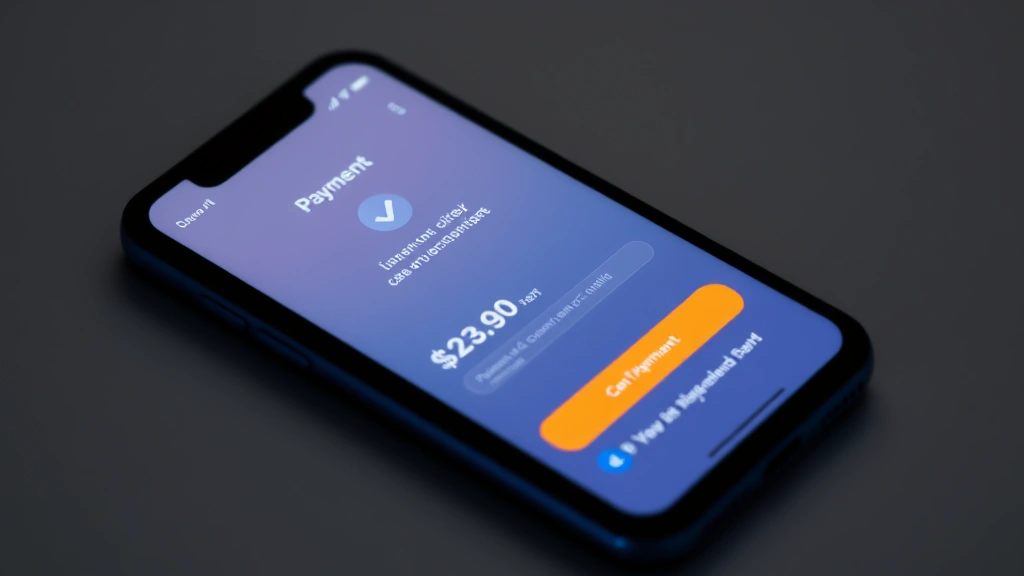
Step 6: Confirm and Save Receipt After successful payment, the system generates a confirmation number. Screenshot or print this immediately. You’ll need it for your records and any future inquiries.
Important Payment Deadlines
Massachusetts excise tax bills typically come due on a specific date printed on your notice. Missing this deadline triggers penalties and interest charges. The standard deadline is usually within 30 days of the bill date, but your specific town may vary.
If you miss the initial deadline, don’t panic—you can still pay online. However, interest accrues at the state’s established rate (currently around 14% annually, though this changes). Late fees also apply, making prompt payment significantly cheaper than delayed payment.
Mark your calendar when your bill arrives. Setting a phone reminder or calendar alert prevents accidental oversights. If you struggle with deadline management, consider setting up automatic payments through your bank, which many assessors’ offices accommodate.
For those interested in understanding broader state tax obligations, exploring WA State Excise Tax frameworks can provide comparative context on how different states structure excise taxation.
Troubleshooting Common Issues
Payment Declined: If your card is declined, verify the card number, expiration date, and CVV. Contact your bank to ensure they haven’t flagged the transaction as suspicious. Some banks require you to pre-authorize government payments.
Payment Not Showing in System: Online payments typically post within 1-3 business days. If you paid via ACH or e-check, allow additional processing time. Check your confirmation number against the assessor’s records after a few days. If it still doesn’t appear, contact the assessor’s office directly with your confirmation number.

Lost or Forgotten Account Number: Your town assessor can provide this instantly. Call their office or check your property tax records—the excise account number is usually printed there.
Duplicate Billing: If you receive two bills for the same year, don’t pay both. Contact your assessor to clarify. Occasionally, bills are reissued due to address corrections or updated valuations, but you should only pay once per year.
Technical Portal Issues: If the website is down or won’t load, try again later. Government portals occasionally undergo maintenance. As a backup, most towns accept phone or mail payments during outages.
Fees and Additional Charges
Understanding the true cost of paying online requires looking beyond just your tax amount. Convenience fees vary by payment method and typically range from 0% to 2.9% of your payment.
Credit Card Fees: Usually 2.5% to 2.9%. Paying a $500 excise tax bill via credit card costs an extra $12.50 to $14.50. However, if your card offers cash back or rewards, you might recoup some of this cost.
ACH Fees: Often $0 to $1.50 per transaction. This is the most economical digital option. If your bank also offers bill pay services, that might be free as well.
Late Payment Interest: This dwarfs convenience fees. Massachusetts charges roughly 14% annual interest on unpaid balances. Waiting 30 days past the deadline on a $500 bill costs about $58 in interest alone—far more than any online convenience fee.
The lesson: paying promptly online, even with a convenience fee, beats paying late by mail every time.
Getting Your Payment Confirmation
After successful payment, the system displays a confirmation number on-screen. This is your proof of payment—treat it like a receipt. Screenshot it, write it down, or print the page immediately.
Save this confirmation in your files. If the assessor’s office later claims non-payment, you’ll have documentation proving you paid. Include the confirmation number, date, amount, and payment method in your records.
Email confirmations are sometimes sent automatically, but don’t rely solely on email. Government systems occasionally miss sending confirmations, so the on-screen confirmation is your primary record.
If you need a duplicate confirmation later, contact your assessor’s office with your payment date and amount. They can retrieve the transaction from their system and provide documentation.
Those managing multiple tax obligations across states may find it helpful to understand Sales Tax Car Ohio requirements, which share similar online payment infrastructure with Massachusetts systems.
Frequently Asked Questions
Can I pay my Massachusetts excise tax online with a payment plan?
Most municipalities don’t offer formal payment plans through their online portals. However, contacting your assessor’s office directly may reveal options for hardship situations. Some towns accommodate installment arrangements if you explain financial difficulties, though this requires direct negotiation rather than online processing.

Is paying my excise tax online safe?
Yes. Massachusetts government portals use industry-standard encryption (SSL certificates) to protect your financial information. The same security protocols protect your data as major banks use. Never pay through unofficial websites or links sent via email—only use your town’s official assessor website or the state’s verified portal.
How long does it take for my online payment to process?
Credit and debit card payments typically process immediately, posting to your account within 24 hours. ACH transfers take 1-3 business days. E-checks may take 2-5 business days. Processing times are longer on weekends and holidays. Plan accordingly if you’re near a deadline.
What if I overpay my excise tax online?
The assessor’s office will credit the overpayment to future years or issue a refund. Contact them to specify your preference. Refunds typically process within 4-6 weeks but may take longer during busy tax seasons.
Can I dispute my excise tax bill before paying online?
Yes. File a formal abatement request with your assessor before paying. If you believe your vehicle’s valuation is incorrect or you qualify for an exemption, the assessor can review and potentially reduce your bill. Paying online doesn’t waive your right to appeal—you can still file an abatement after payment if you discover grounds for a reduction.
Do I need to pay Massachusetts excise tax if I’m military stationed out-of-state?
Generally, no. Military personnel with out-of-state residency may be exempt. Contact your assessor’s office with documentation of your military status and out-of-state residence. You may need to provide your military ID and current duty station address.
What happens if I don’t pay my excise tax online or by mail?
Your account accrues interest at roughly 14% annually and incurs late fees. After approximately 90 days of non-payment, the town may place a lien on your vehicle or property. This affects your credit and prevents vehicle registration renewal. Paying immediately—even late—prevents further complications.
Conclusion: Taking Action on Your Excise Tax
Paying your Massachusetts excise tax online is straightforward, secure, and faster than traditional mail payments. The process takes minutes, eliminates postal delays, and provides immediate confirmation. By understanding your payment options, deadlines, and potential fees, you can make the most cost-effective choice for your situation.
ACH transfers offer the best value if you can wait a few days. Credit cards provide speed if you’re near a deadline and don’t mind the convenience fee. Either way, paying promptly saves you far more than any processing fee costs.
Keep your confirmation number, mark next year’s deadline on your calendar, and consider setting up an annual reminder. Massachusetts makes it easy to stay on top of excise taxes when you use their online system—there’s no reason to let this obligation slip through the cracks.
For those managing vehicle-related taxes across multiple states, understanding comparable systems like Ohio Sales Tax on Cars can help you stay organized. And if you need broader guidance on tax obligations, Legal Tax Service resources can provide additional support when questions arise.


