

Granite Tax Connect is a cloud-based tax software platform designed to help accounting firms, tax professionals, and bookkeepers streamline their client management and tax preparation workflows. Whether you’re running a solo practice or managing a team of tax specialists, this platform promises to cut down on administrative overhead and boost productivity. But does it live up to the hype? Let’s break down what makes Granite Tax Connect worth considering—and where it might fall short.
Table of Contents
What is Granite Tax Connect?
Granite Tax Connect is a professional-grade tax and accounting software built for firms that want to ditch spreadsheets and outdated desktop systems. Unlike consumer-facing tax software like TurboTax or H&R Block, this platform is purpose-built for accountants and tax preparers who manage multiple clients and need real-time collaboration tools.
The software centralizes client data, automates routine tasks, and integrates with popular accounting applications. If you’re tired of juggling email attachments, manual data entry, and scattered client files, Granite Tax Connect aims to be your digital command center. It’s cloud-based, which means you can access client information from anywhere—a game-changer for remote teams and firms with multiple office locations.
Key Features That Matter
Let’s talk about what actually moves the needle for tax professionals. Granite Tax Connect includes several standout capabilities:
Client Portal & Document Management: Clients can upload documents directly through a secure portal, eliminating the back-and-forth email chain. You get organized file storage, version control, and audit trails. No more hunting through your inbox for that 1099 a client sent three weeks ago.
Workflow Automation: The platform lets you build custom workflows for different client types (individuals, small businesses, partnerships, etc.). Automate task assignments, set deadlines, and get alerts when bottlenecks occur. This is where AI accounting software for taxes is starting to shine—reducing manual coordination overhead.
Integration Ecosystem: Granite Tax Connect connects with QuickBooks, Xero, Guidepoint, and other popular accounting platforms. This means less manual data entry and fewer reconciliation headaches.

Team Collaboration Tools: Built-in messaging, task assignments, and real-time editing keep your team aligned. You can leave comments on specific documents, assign follow-ups, and track progress without context-switching to Slack or email.
Client Management & Collaboration
One of Granite Tax Connect’s strongest selling points is how it simplifies the client relationship. Nobody likes dealing with the IRS—and clients definitely don’t enjoy the stress of tax season. A well-designed client portal can actually reduce anxiety by giving them visibility into where their return stands.
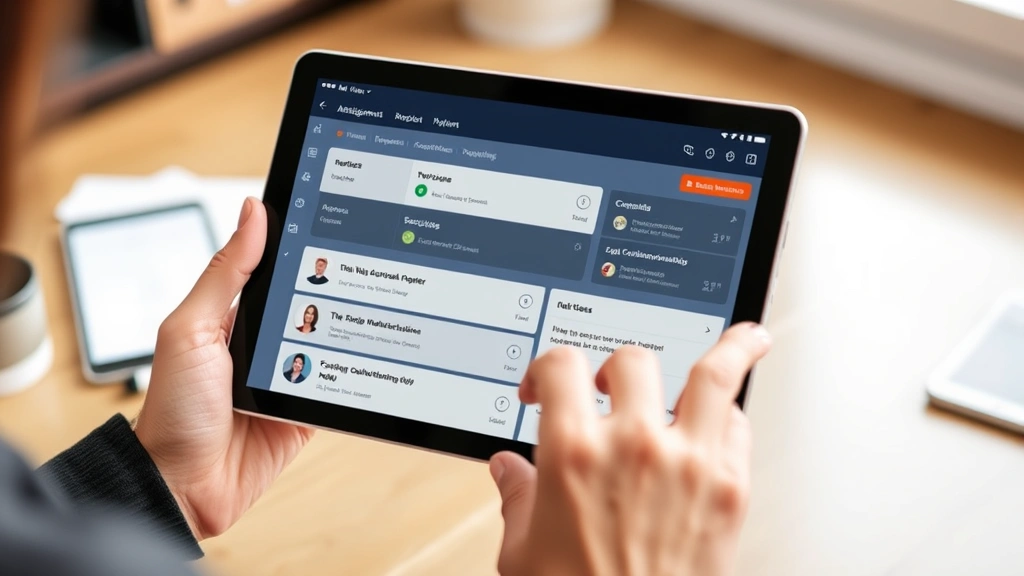
The platform’s portal is intuitive. Clients can see what documents are needed, upload files with a few clicks, and track progress. You can send automated reminders for missing documents, which cuts down on follow-up emails and phone calls. This frees up your team to focus on actual tax work instead of document chasing.
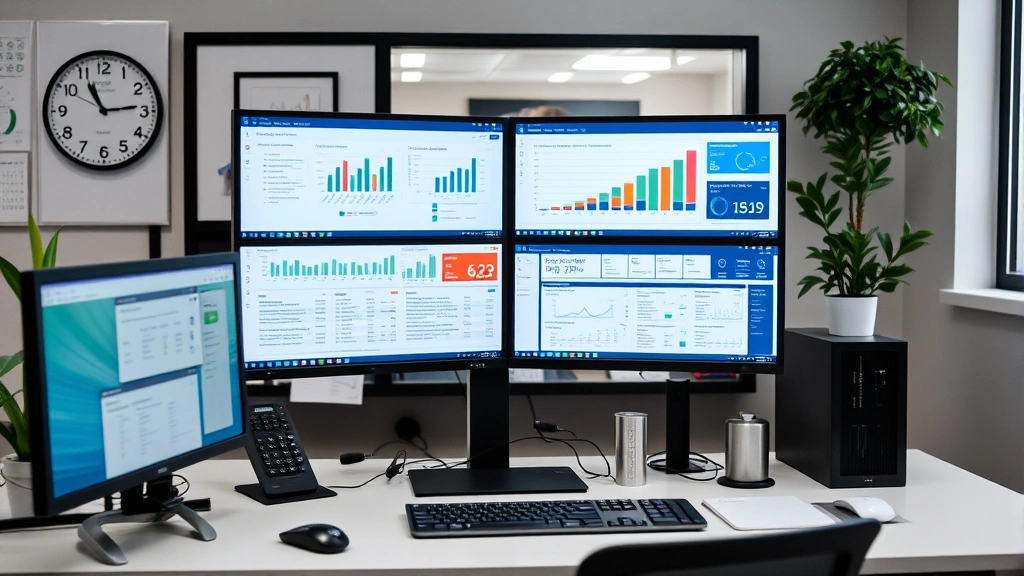
For your team, Granite Tax Connect provides a centralized dashboard showing all client engagements. You can see which returns are in progress, who’s responsible for each phase, and where delays are happening. This transparency helps prevent returns from slipping through the cracks—especially critical during the busy season when everyone’s juggling multiple files.
Tax Prep Workflow Automation
Tax preparation involves a predictable sequence of steps: intake, data gathering, analysis, preparation, review, and delivery. Granite Tax Connect lets you codify these workflows so your team follows a consistent process every single time.
You can set conditional logic—for example, if a client’s income exceeds a certain threshold, automatically flag them for alternative minimum tax (AMT) review. Or if they have rental property income, trigger a checklist for depreciation schedules and passive activity loss rules. These automations catch edge cases before they become problems.

The platform also includes built-in checklists for different return types. Preparing a 1040 with Schedule C? The system walks your team through required schedules and common deductions. This is especially valuable if you have junior staff or seasonal workers who need guidance.
When it comes to comparing professional tax solutions, ATX Tax Software and Drake Tax Software Pricing are worth evaluating alongside Granite Tax Connect, as they offer similar workflow capabilities for different firm sizes.
Pricing & Plan Options
Granite Tax Connect uses a per-user, per-month pricing model. As of 2024, pricing typically ranges from $99 to $199 per user monthly, depending on the plan tier and features included. Some plans charge separately for client portal access or integrations.
Here’s the honest truth: it’s not cheap. But for firms managing dozens or hundreds of returns annually, the time savings often justify the cost. You’re paying for reduced manual work, fewer errors, and faster turnaround times—all of which improve profitability.
Most providers offer a free trial or demo, so test-drive it before committing. Ask about volume discounts if you have a larger team. Also clarify what’s included in each tier; some platforms nickel-and-dime you for features you might expect in the base price.
Pros & Cons Analysis
Pros:
- Cloud-based accessibility: Work from anywhere, anytime. Perfect for remote teams and disaster recovery.
- Client portal reduces friction: Clients upload documents; your team gets organized data. Less email chaos.
- Workflow automation catches errors: Automated checklists and conditional logic reduce missed deductions and compliance issues.
- Strong integrations: Connects with major accounting platforms, minimizing data re-entry.
- Team collaboration: Built-in messaging and task assignment keep communication centralized.
- Scalability: Works for solo practitioners and firms with 50+ employees.
Cons:
- Learning curve: Implementation takes time. You’ll need to configure workflows and train your team.
- Not a standalone tax prep tool: You still need separate tax software (like Drake, ATX, or Lacerte) to actually prepare returns. Granite Connect is the workflow/management layer.
- Pricing adds up: With multiple users, monthly costs can exceed $1,000+ for mid-sized firms.
- Integration limitations: While it connects with major platforms, some smaller or niche tools may not be supported.
- Customer support variability: Some users report slow response times during peak tax season when everyone needs help simultaneously.
How It Compares to Competitors
Granite Tax Connect operates in a competitive space. Other notable platforms include Tax Canopy, which offers similar client portal and workflow features, plus some built-in tax prep capabilities. Canopy tends to be slightly more user-friendly for smaller firms, while Granite Connect scales better for larger practices.
Then there’s Karbon (formerly Workpapers), which focuses heavily on team collaboration and project management. Karbon is excellent if your firm needs robust time tracking and billing integration, though it’s pricier.
For firms wanting an all-in-one solution, some practices use best AI accounting software for taxes platforms that bundle workflow management with tax prep. These can reduce tool sprawl, but they may lack specialized features.
The bottom line: Granite Tax Connect is best for firms that already have a preferred tax prep tool (Drake, ATX, Lacerte, etc.) and need a dedicated workflow and client management platform. If you want everything in one system, explore all-in-one alternatives.
Getting Started & Support
Implementation typically takes 2-4 weeks, depending on your firm’s complexity and how customized you want your workflows. Granite Tax Connect provides onboarding support, but it’s on you to configure the system to match your processes.
Here’s my advice: don’t try to replicate your current messy workflows in the software. Use implementation as an opportunity to redesign your processes from scratch. Ask yourself: what’s working? What’s wasting time? Build lean, efficient workflows in Granite Tax Connect, and you’ll see real productivity gains.
The platform includes training resources, video tutorials, and a knowledge base. For more complex questions, you can contact their support team. Response times vary—during tax season, expect longer waits.
One pro tip: join their user community forums. You’ll find other practitioners sharing tips, workarounds, and best practices. This peer knowledge is invaluable.
Frequently Asked Questions
Is Granite Tax Connect suitable for solo tax practitioners?
Yes, but it might be overkill if you’re managing fewer than 50 returns annually. Solo practitioners might find simpler, cheaper alternatives adequate. That said, if you plan to grow or want to work remotely, Granite Tax Connect’s infrastructure scales with you.
Does Granite Tax Connect prepare tax returns?
No. It’s a workflow and client management platform. You’ll still need separate tax prep software like Drake, ATX, or Lacerte to actually prepare and file returns. Granite Tax Connect integrates with these tools to streamline the overall process.
Can clients access their return information through the portal?
Yes. The client portal allows secure document uploads, progress tracking, and communication. However, clients typically can’t view the actual completed return until you’re ready to share it—which is a good thing for security and quality control.

What happens if I switch tax prep software?
Granite Tax Connect integrates with multiple platforms, so switching shouldn’t be catastrophic. However, you may need to reconfigure some integrations and workflows. Plan any migration carefully during off-season.
How does Granite Tax Connect handle security and compliance?
The platform uses encryption, multi-factor authentication, and complies with SOC 2 standards. Client data is stored securely in the cloud with regular backups. That said, verify their current security certifications and audit requirements match your firm’s standards.
Can I customize workflows for different client types?
Absolutely. This is one of Granite Tax Connect’s strengths. You can build separate workflows for individuals, partnerships, S-corps, nonprofits, etc. Conditional logic lets you automate task assignments based on client characteristics.
The Bottom Line
Granite Tax Connect is a solid choice for tax firms and accounting practices looking to modernize their operations. It excels at client management, workflow automation, and team collaboration. The cloud-based infrastructure is reliable, integrations are robust, and the client portal genuinely reduces administrative friction.
That said, it’s not a silver bullet. You’re still buying a workflow platform, not a complete tax solution. You’ll need complementary tax prep software, and there’s a real implementation and learning curve. The cost is meaningful, especially for smaller firms.
If you’re managing multiple clients, have a team of 3+ people, and are tired of email chaos and manual coordination, Granite Tax Connect is worth a serious look. Request a demo, talk to current users, and calculate the ROI based on time saved. For many mid-sized and growing firms, the investment pays for itself within the first tax season.


